
Real-time assignment tracking
See in real time all equipment held by each employee, with a full movement history. The assignment calendar shows past, current and upcoming assignments in a single view, with their start and end dates.
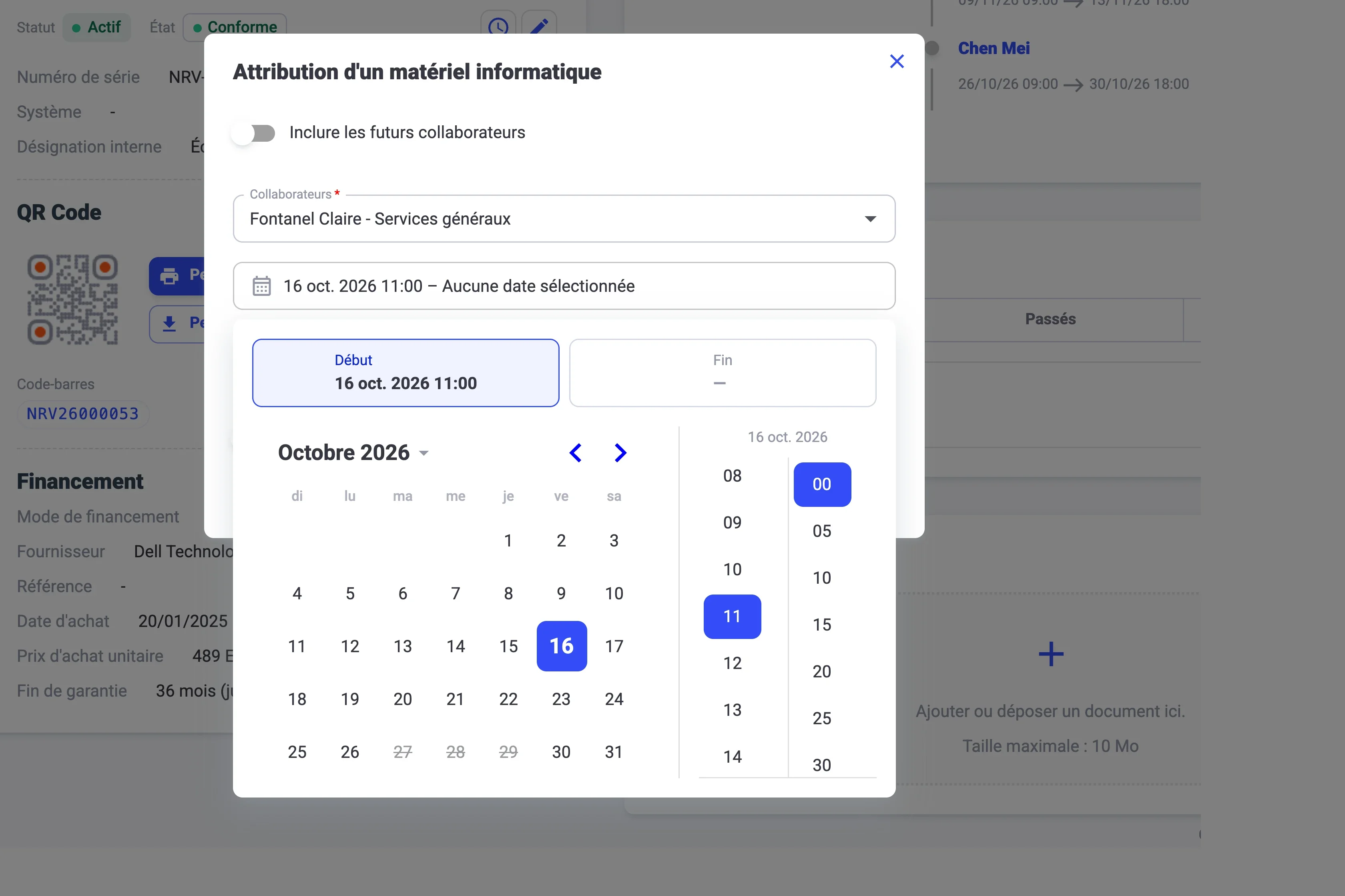
From onboarding to offboarding and daily tracking in between, Fleezy covers the full assignment lifecycle.
See in real time all equipment held by each employee, with a full movement history. The assignment calendar shows past, current and upcoming assignments in a single view, with their start and end dates.
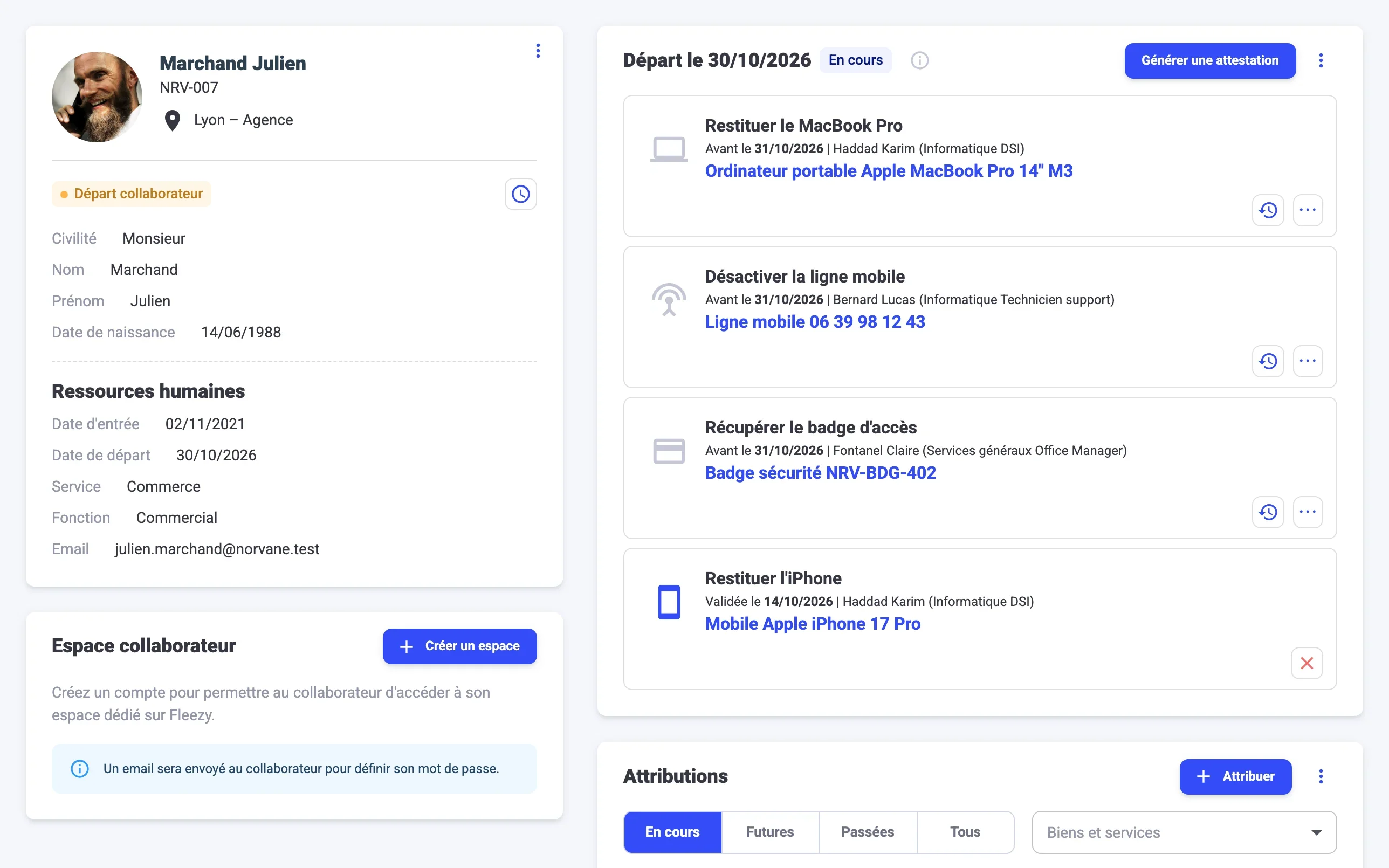
Prepare equipment before a new hire arrives, and recover every item when they leave. Each department gets its tasks automatically.
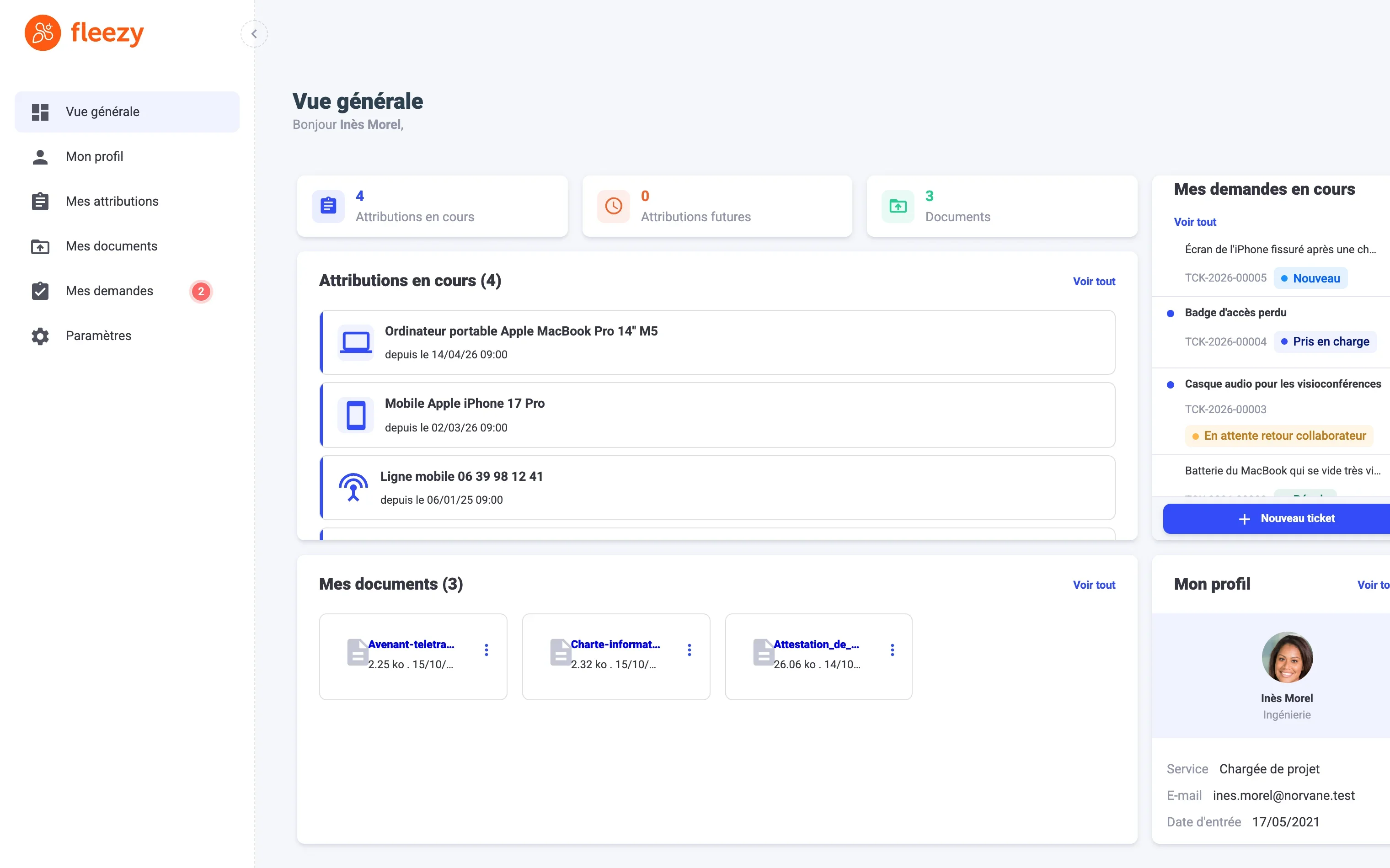
Each employee sees the equipment assigned to them in their own space, and signs their handover and return forms there remotely. Access can be created one by one or in bulk, and the account of an employee who leaves is deleted automatically.
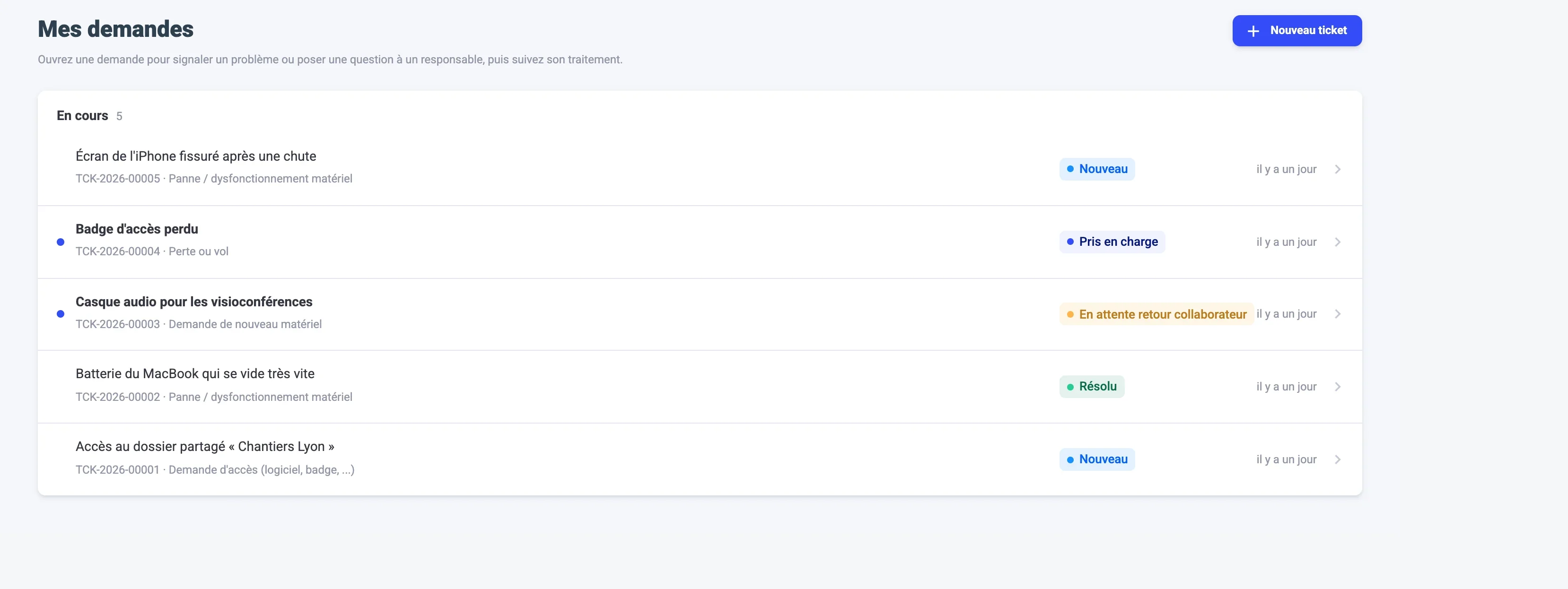
From their space, employees raise a request about their equipment (renewal, incident…) and follow its progress. Requests can be made at any time, outside onboarding and offboarding workflows.
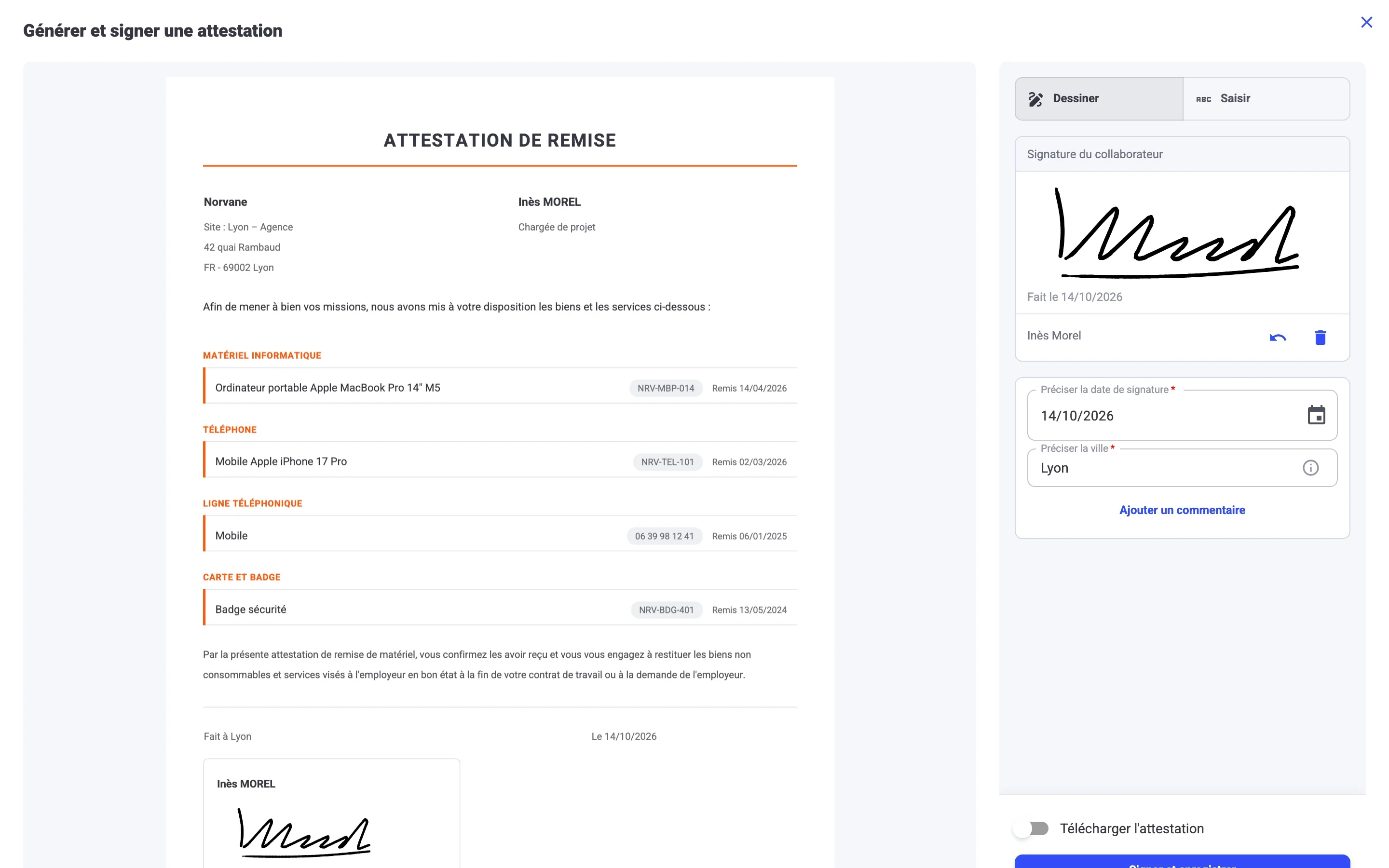
The handover and return PDF template is configurable: start and end dates, asset condition, city. An additional PDF can be added to the form.
Employees don’t need to be there to sign: they receive the form by email or find it in their employee space. Once signed, it is filed automatically on their record.
From inventory to decommissioning, Fleezy covers the full lifecycle of every asset.
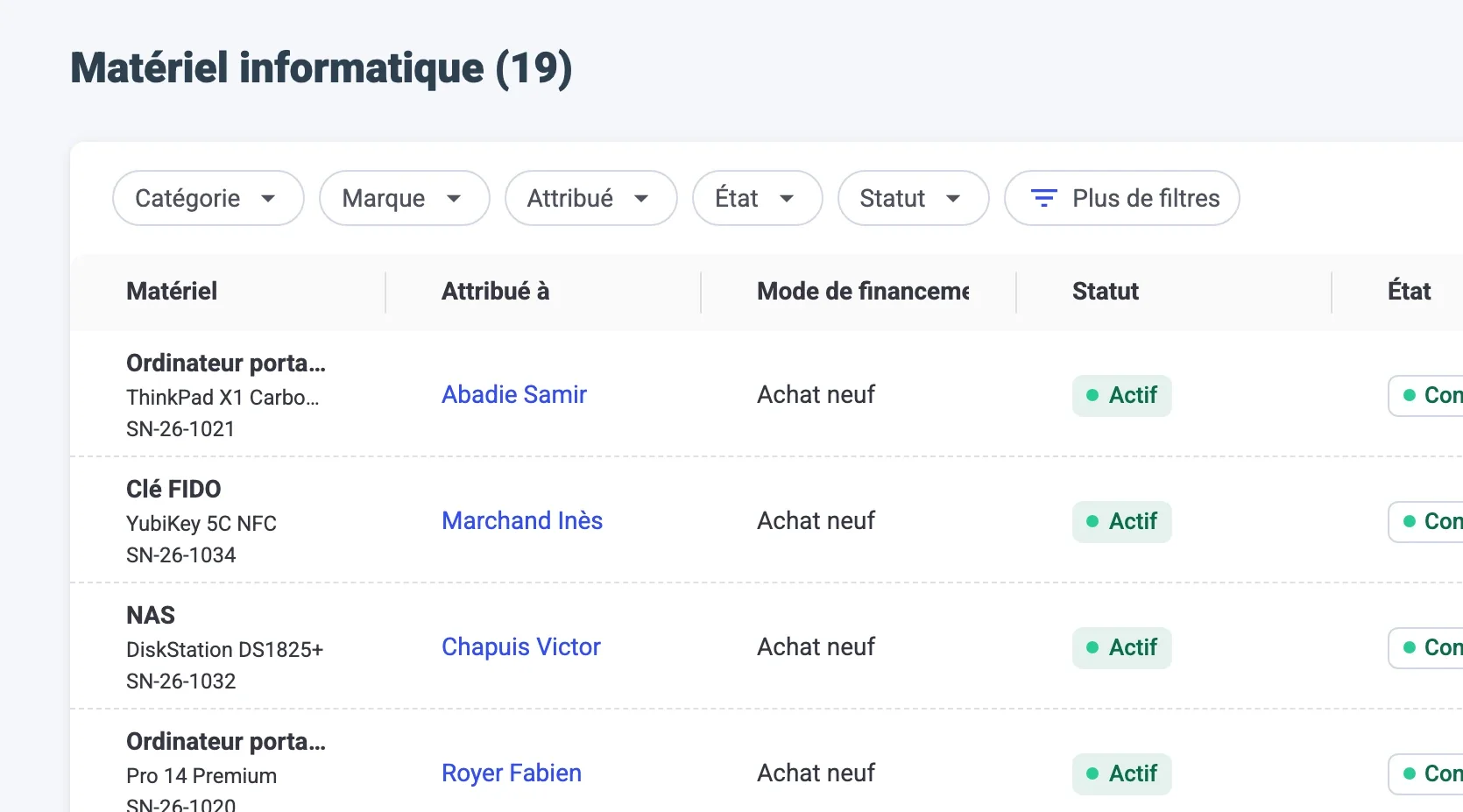
A centralised inventory, updated in real time with every assignment or return. Filter by type, status, site or supplier in one click.
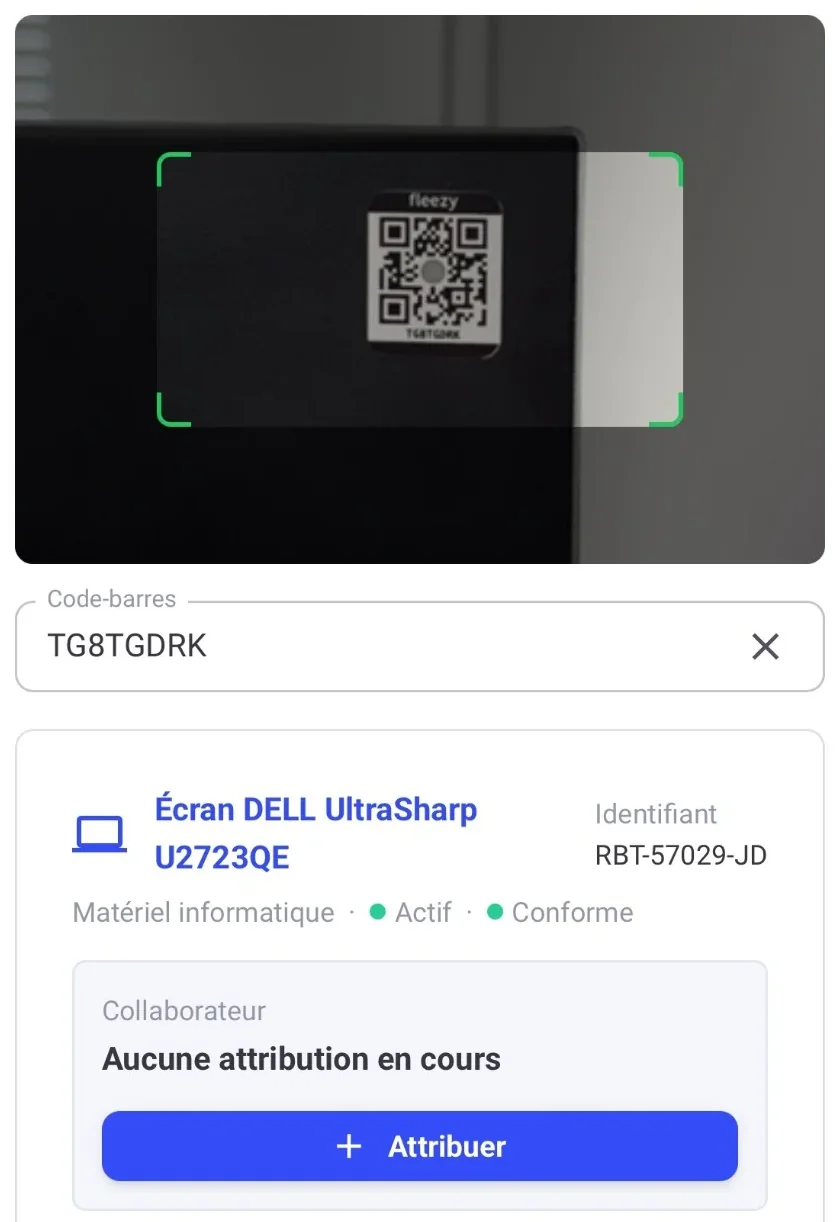
QR codes can be generated in bulk, with a smaller print size where needed. Blank QR codes can be applied in advance and linked to an asset later. From the scan screen, you assign an asset to an employee, or several assets in a single operation.
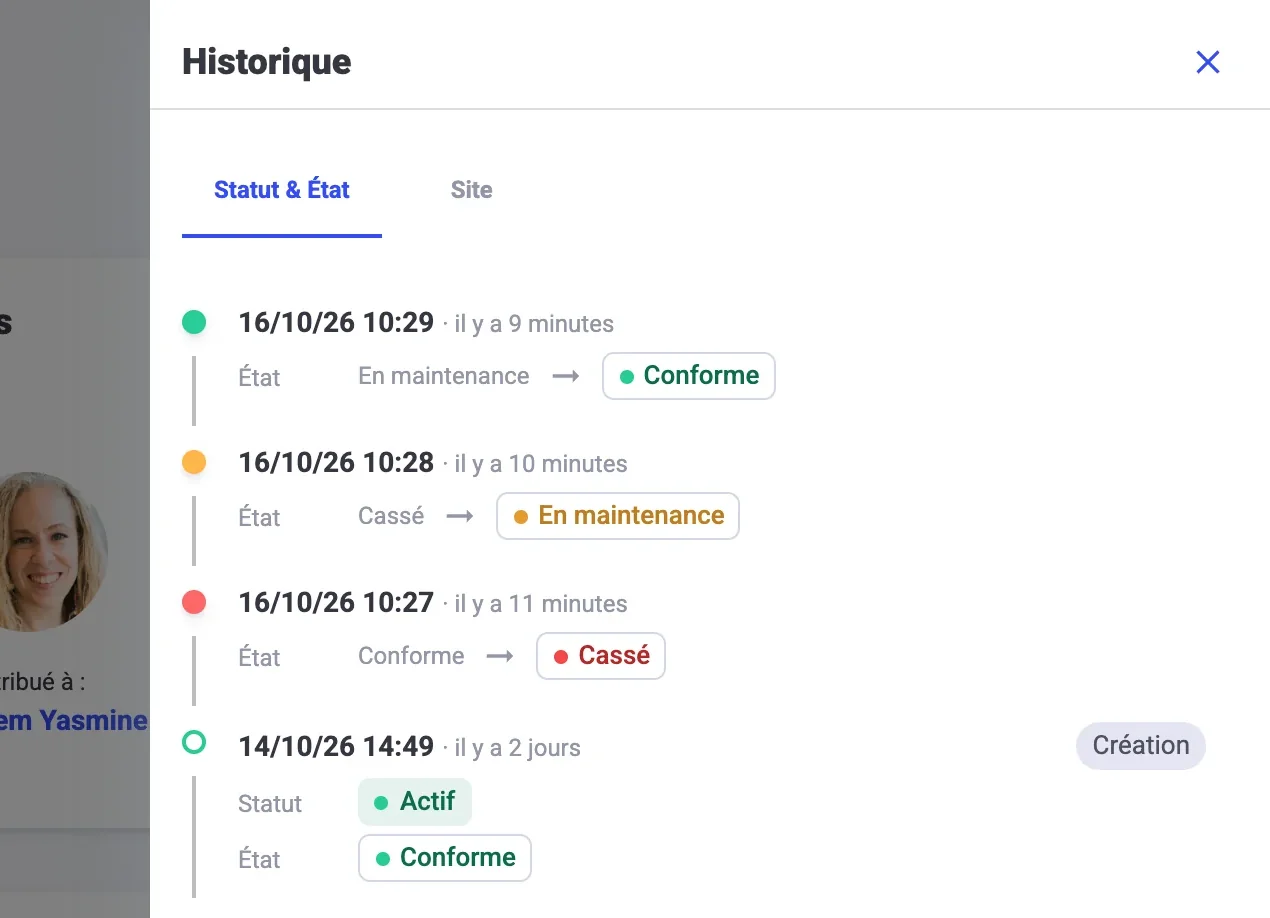
Every assignment, change of condition and event is logged and dated on the asset record. Financing details and documents stay attached to the asset until it is decommissioned.
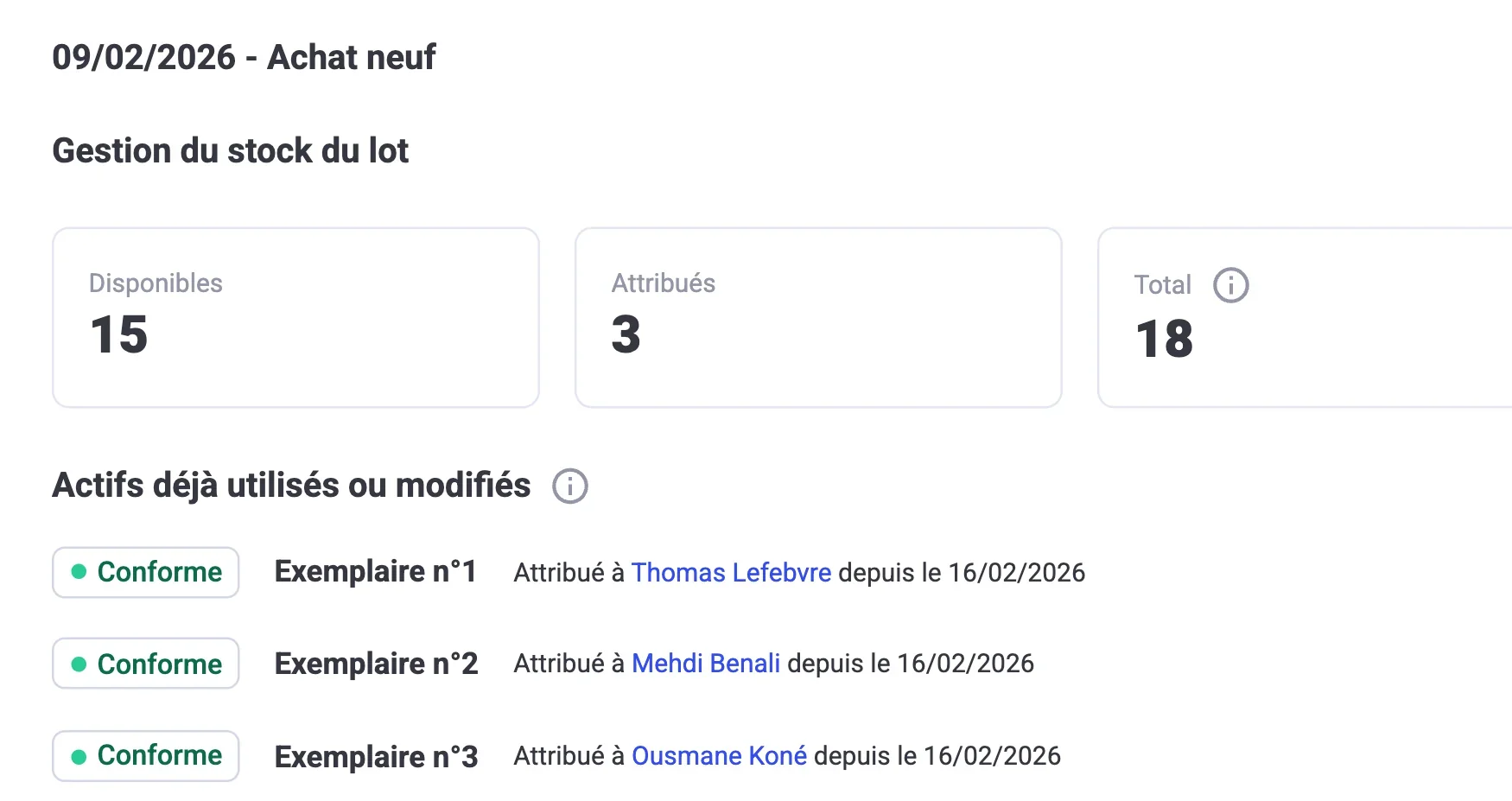
Each batch tracks its incoming and outgoing items, including bulk removals, along with its total quantities; available stock is also included in exports. When assigning, you choose the batch and can hand over several PPE items at once, and a PPE item can be marked as non-compliant. For licences, a per-batch view shows who each licence is assigned to.
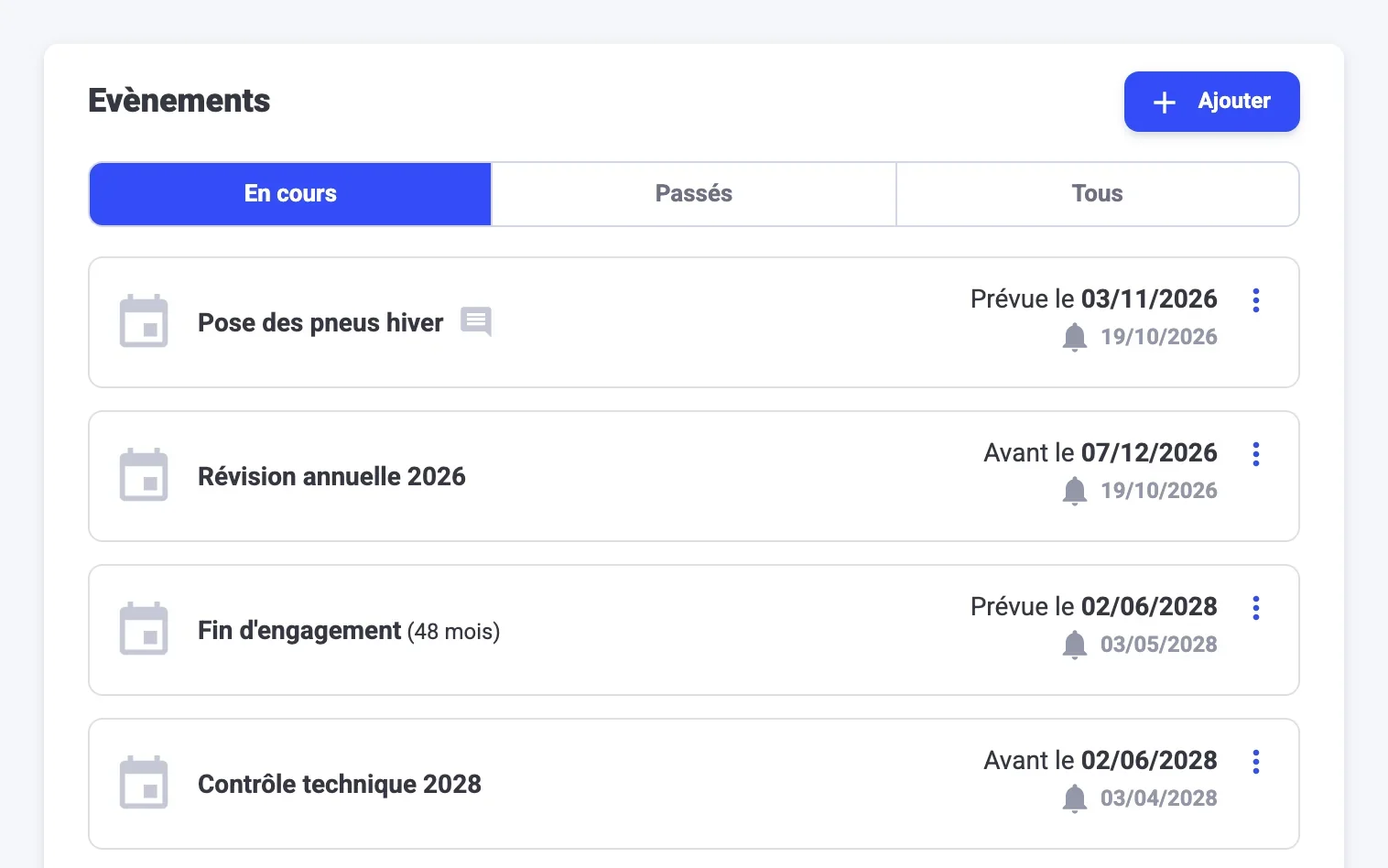
Each asset has an event log (contractual commitments, maintenance, inspections…). A dedicated inventory centralises and filters all events across all assets. For each contract, the end date and notice period are displayed, and tacit renewal is taken into account.
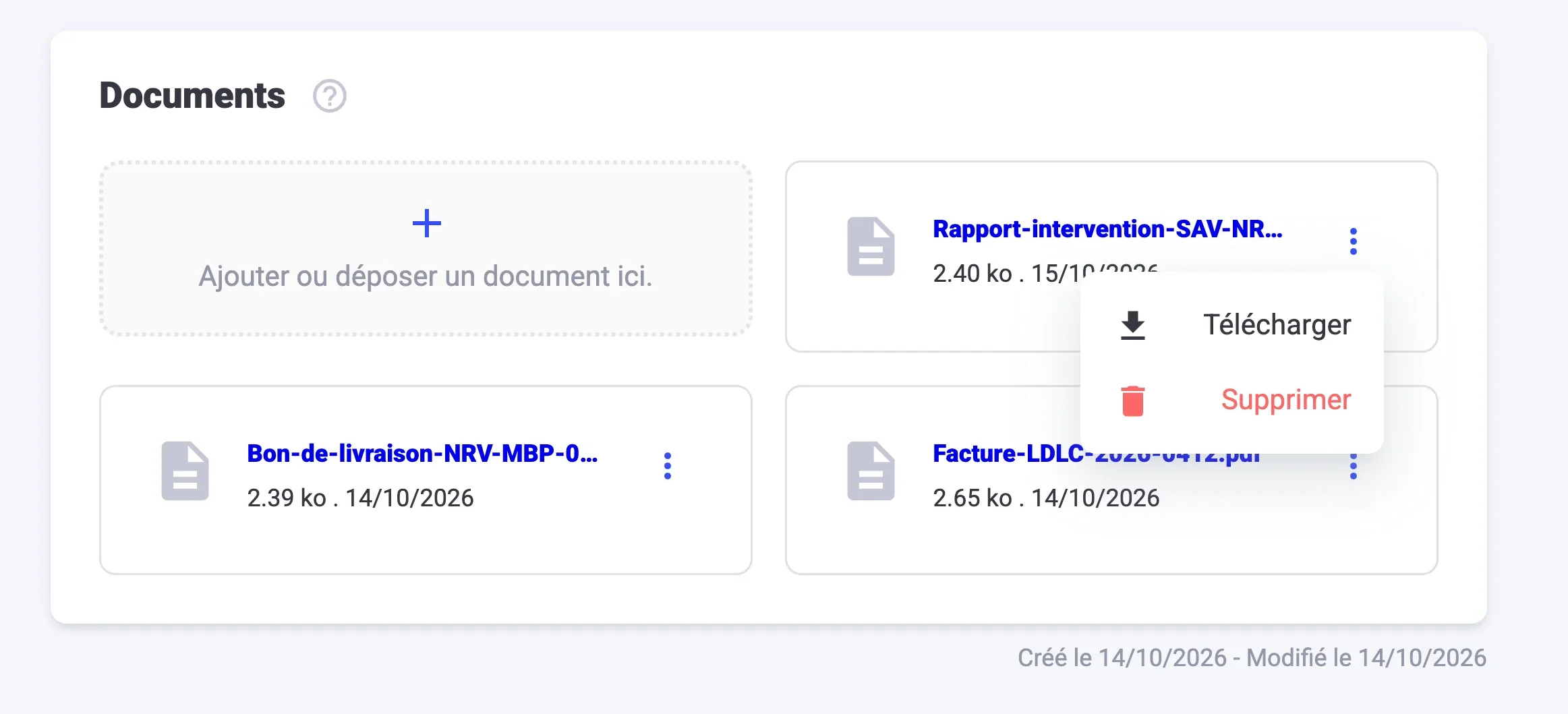
Attach contracts, invoices, certificates and photos directly to each asset. No more scattered documents.
Costs, sites, asset types, connectors and access rights: what fits Fleezy to your organisation.
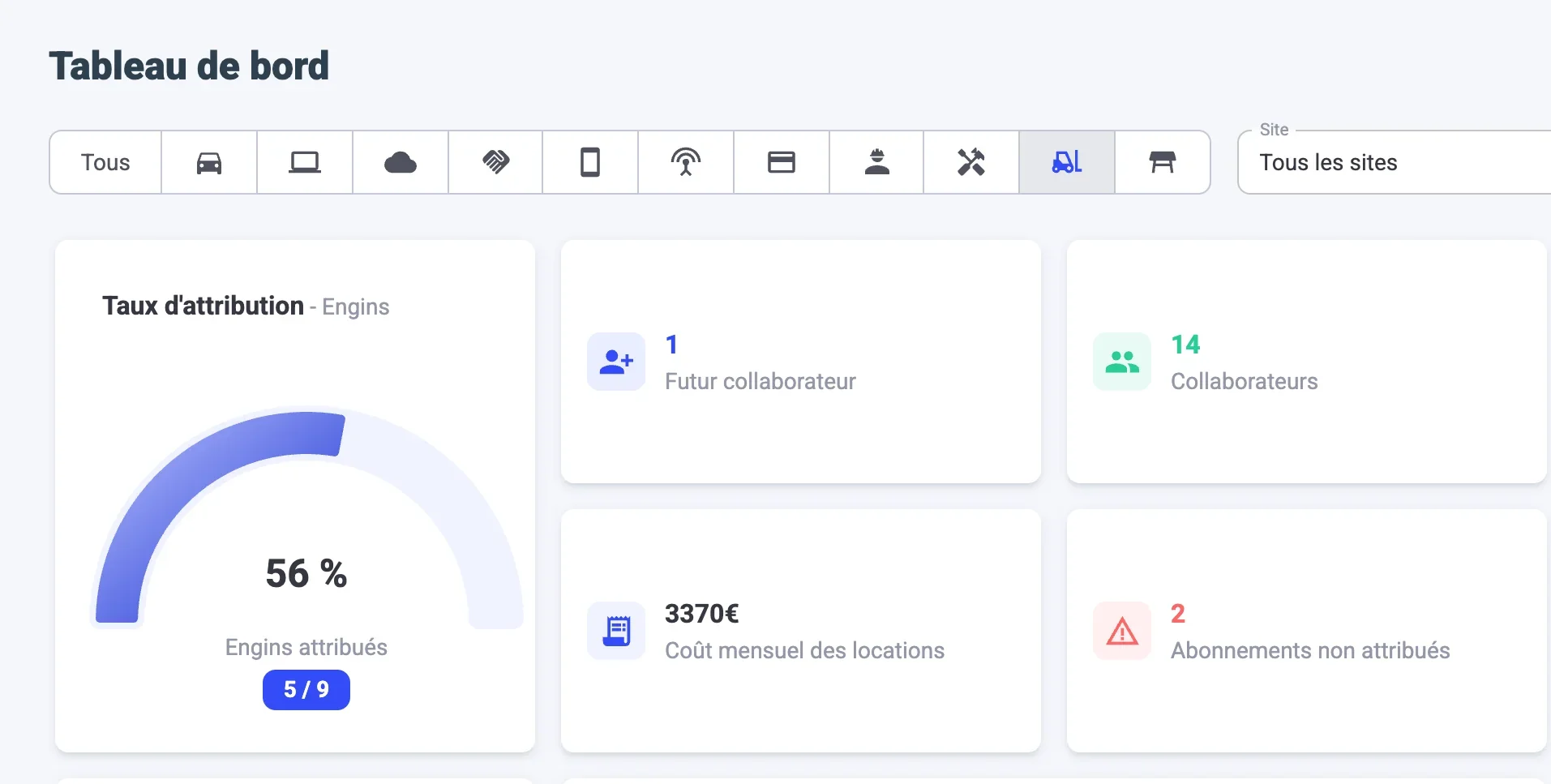
Track the total cost of ownership of your asset base. Spot unassigned items and subscriptions, and stop paying for dormant equipment. Dashboard tiles can be customised, with indicators on suppliers, financing and the breakdown of assets by status.
Custom fields can be added to existing families, and additional asset families can be created for your industry-specific equipment. Service contracts are managed in the same place.
Our team sets up the sync with your tools: the Lucca and Eurecia HR systems, GLPI for IT equipment and badges, Carfleet for vehicle fleets; assignment history is kept on every sync. Your existing Excel or CSV files are imported with the team’s help, and exports include assignments and the latest vehicle mileage, per site if needed.



HR system · joiners · leavers

IT equipment · badges

Fleet · mileage
 Excel · CSV
.xlsx · .csv · assignments
Each asset is linked to a site: the inventory can be filtered by site and exports produced site by site. Access rights can be differentiated by site.
Each user (HR, manager, IT…) accesses the information relevant to their role, and rights can be limited to specific sites and asset families. A SaaS platform reachable from any connected workstation, with your data hosted in France.
Everything you need to know about Fleezy.
Book a demo with our team and discover how Fleezy adapts to your organisation in 30 minutes.
